


Happy December, folks.
As I mentioned last week, I didn’t see significant impacts on eDiscovery from the many, many Ignite announcements. Still, as new tools started hitting tenants, I planned to test many of them to determine any minor adjustments we may need to make.
This week, the features I saw rolling out were the addition of Copilot and agents to Teams chats and channels.
Before we get into the eDiscovery details, I want to warn you that this testing may need an update, as these tools seem less than stable for me right now.
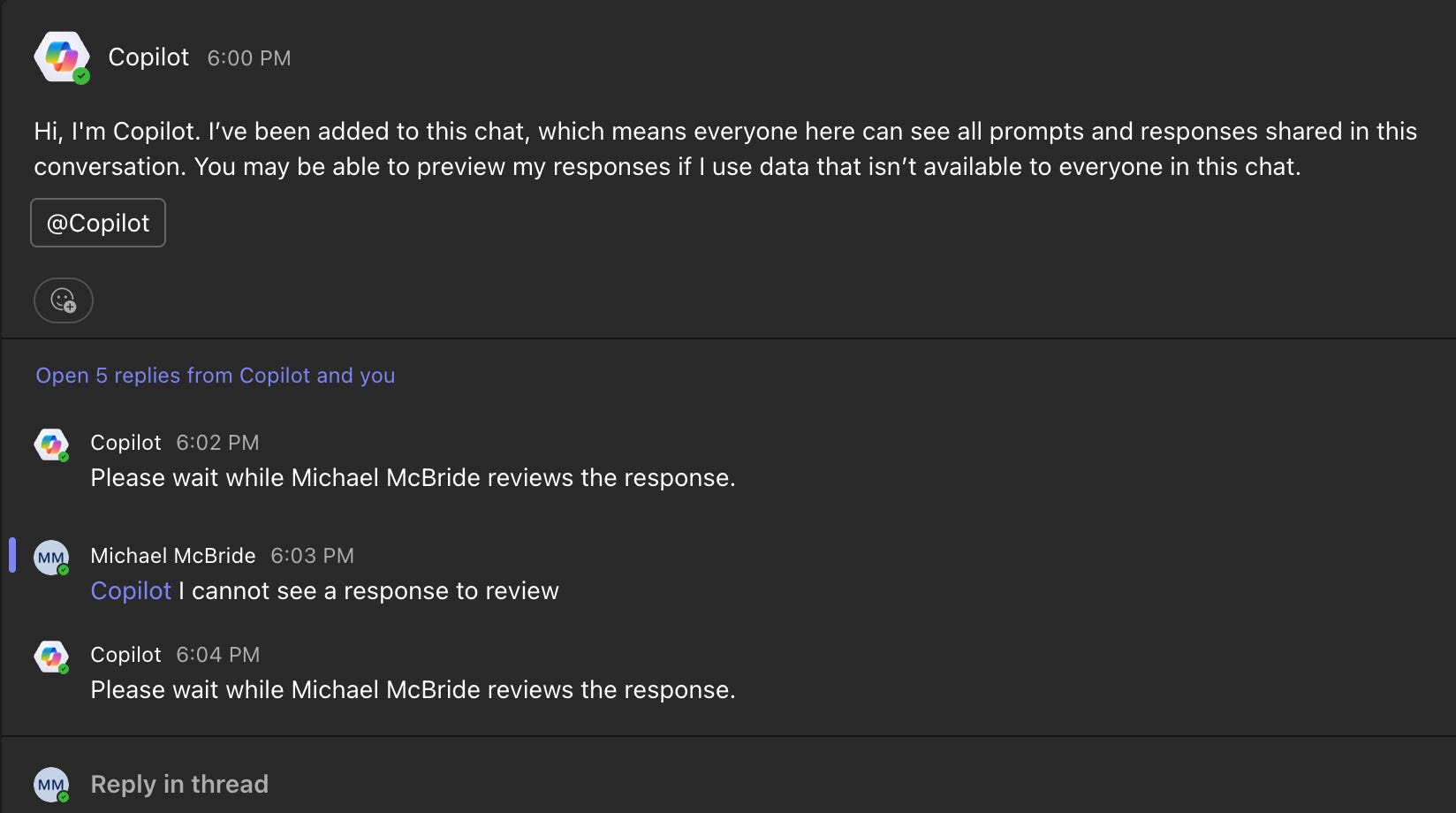
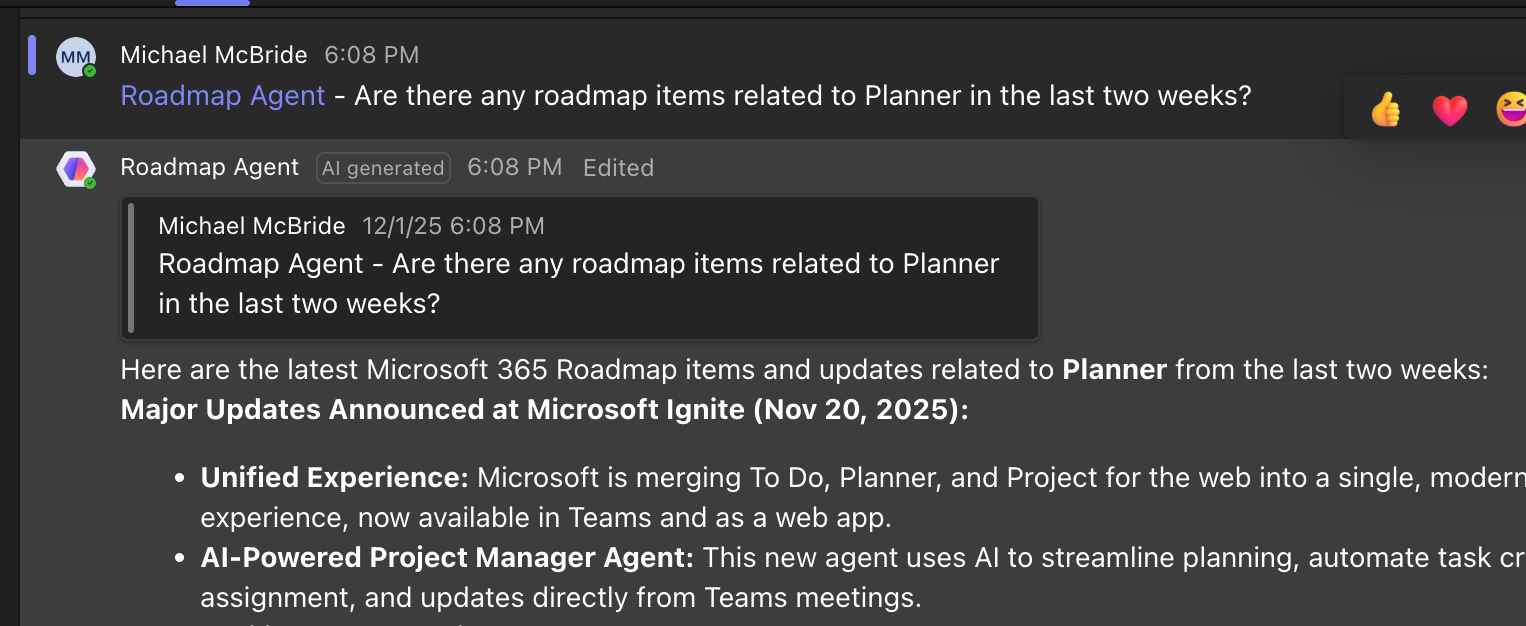
Specifically, I noticed that adding a channel agent or adding Copilot to a group chat let me interact with Copilot. If I asked a question, I would need to review the response before making it available.
This process did not go well.
My first attempt never displayed the response.
Another attempt using a channel agent instead of adding Copilot as an app to the channel did display a response, without asking me to review it first.
Adding Copilot to a group chat eventually showed me the response so that I could allow it, but the process timed out repeatedly, never posting it to the chat.

Thus, my eDiscovery collections show some incomplete responses because I was unable to publish them.
We assume these hiccups will be resolved and the features will work again, so let’s focus on the eDiscovery issues at play.
The first thing that caught me by surprise was that these interactions are not, in fact, Copilot interactions.
At least not in the metadata sense.
Searching for Copilot interactions will not bring these chat and channel messages back as hits because they are Teams messages.

Teams treats Copilot as a Teams user that you are chatting with. Thus, when dealing with this in eDiscovery, we want to think of it as Teams data rather than Copilot data.
As in:
Chats that include Copilot will store prompts and responses in the mailboxes of individual members as Teams messages.
Chats and agents added to a channel will store prompts and responses in the Team's group mailbox.
Channel agents will generate Status reports based on the channel activity, which are stored as Loop files in the Team’s SharePoint. However, they are not stored in a subfolder of the channel, but in a new folder named Shared Documents. See the path below:
https://mikemcbride365.sharepoint.com/sites/M365/Shared Documents/Shared Documents/Roadmap/Status Reports/Dec 02, 2025 - Weekly status report - Roadmap Agent.loop
A couple of other interesting items I found along the way:
