


In last week’s newsletter, I discovered Microsoft documentation stating that Puview eDiscovery didn’t support collecting linked files from shared channel conversations. I tested it and didn’t find that at all.
I also mentioned some other items from that same document that were allegedly not supported regarding linked attachments. Alex was kind enough to add his own testing results in the comments:
Re: shared channel cloud attachments, I agree I have not seen any issues for a long time. Running a quick test, uploading an attachment to a post in a shared channel (thus a link to the file pointing to shared channel URL) adding the parent team mailbox only (not SPO site) and searching Kind:MicrosoftTeams AND Date:today, a promotion to review set brings in the shared channel post AND cloud attachment with no issues. With respect to encryption, I am not sure what issue is being articulated specifically. What I do know is about a known issue (MSFT is working on it) with cloud attachments that were automatically encrypted via a SIT (manually encrypted is fine) not being pulled into review set.
I wasn’t able to create an auto-labeling policy that recreated what he described in time for this newsletter, but I wonder if anyone has done that testing and can confirm that this is a known issue and what it looks like in a Premium eDiscovery Review Set. I’m legitimately serious.
I was, however, curious about the manually encrypted items, since the documentation doesn’t differentiate:
Encrypted emails and messages don’t support modern attachment extraction.
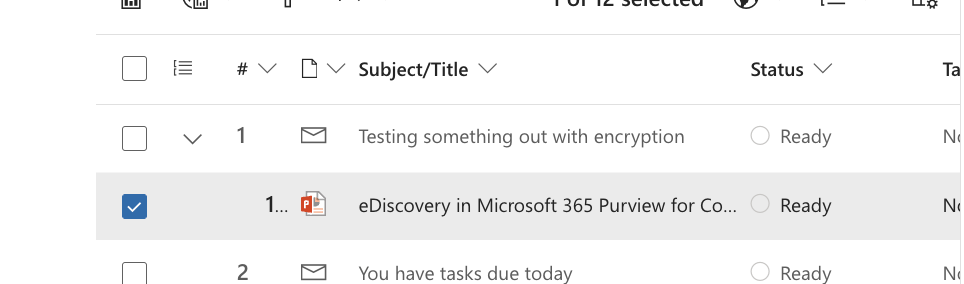
In my test, that simply wasn’t true. I sent a link in an email, labeled the email Highly Confidential” which applied encryption, and it was collected using Purview. The email and attachment were both collected and decrypted:
I also got curious about another thing on the list of unsupported items, OneNote Notebooks.
Again, I created a link to a notebook and sent it in Teams:
I also copied the link to a single page in a notebook, since the documentation text might lead you to believe that could work:
Cloud attachment collection doesn’t collect folder links or OneNote notebooks. It processes links to individual files only. It doesn’t resolve or collect links to folders, document libraries, or OneNote notebooks stored as folders in SharePoint. If a user shares a link to a OneNote notebook in an email or Teams message, cloud attachment collection doesn’t collect notebook content. To collect OneNote content, add the SharePoint site that contains the notebook as a search location. The system indexes individual OneNote section files (.one), and makes them searchable.
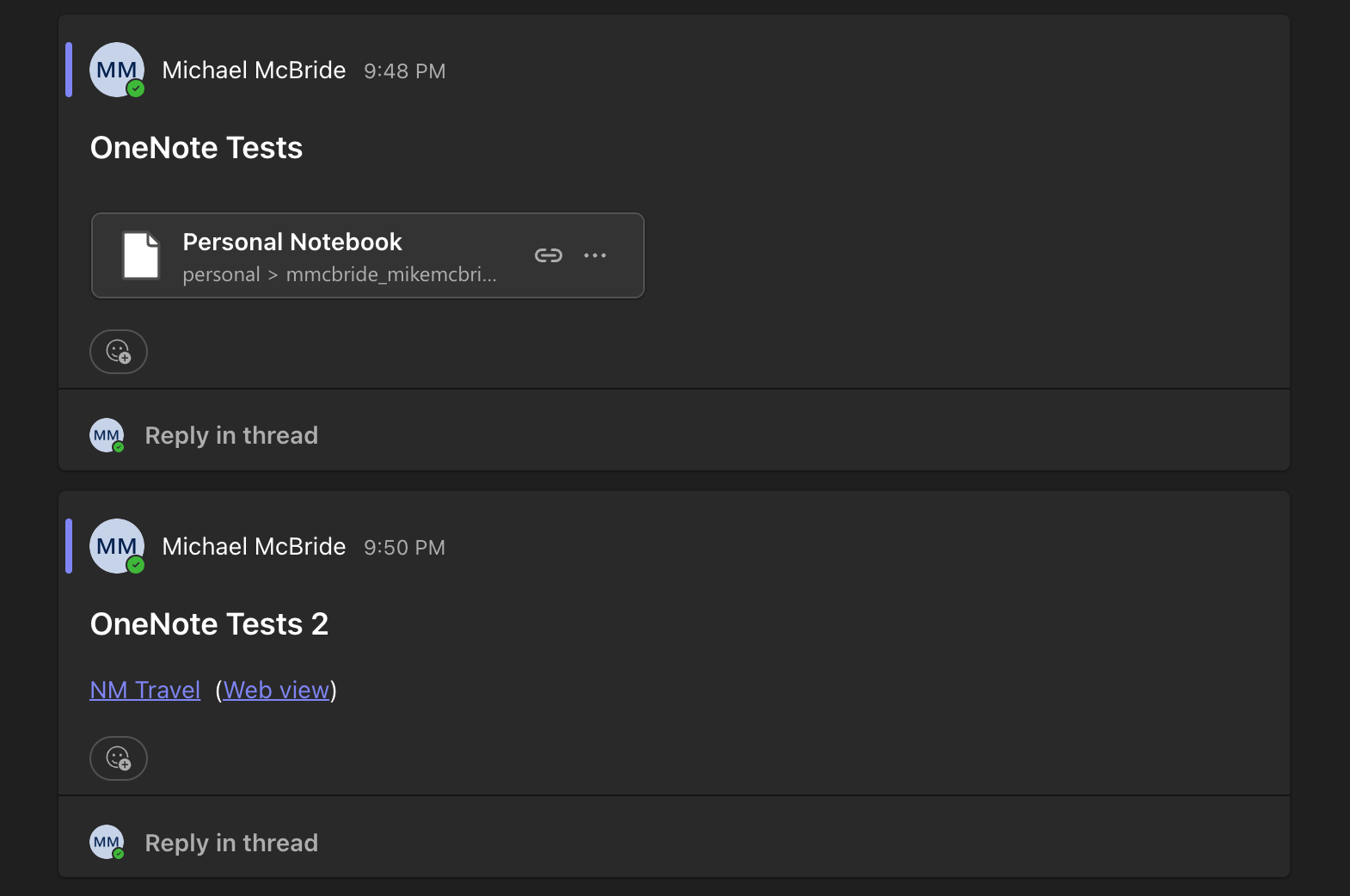
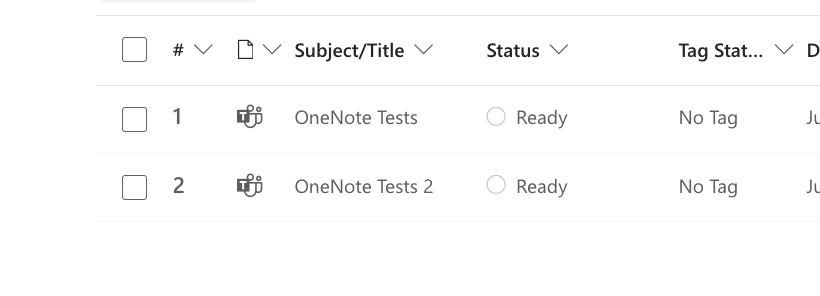
As it turns out, collecting the channel conversations did not bring in any OneNote files. This is good to know if someone is sharing links to OneNote data. There’s a good chance this data will not be collected as linked attachments. You’ll need to collect it from the location where the Notebook lives.
Then again, how many people are sending links to OneNote? Maybe it’s common where you are, but I haven’t seen it much.
As I’ve said over my years of working with Microsoft and eDiscovery, this is why we test everything. One, because things change, constantly. Second, because sometimes, even Microsoft’s own documentation can lead you down an incorrect path.