

If you’ve not seen the announcement of this feature coming to preview in M365, you can read more about it here:
As always, when I saw it I was very interested in its business use case, which I think is pretty interesting. I was also very interested to see what kind of data it created and how that might create any eDiscovery issues.
So, I scheduled a meeting and invited one of the alternate users in my Teams Dev environment to attend, creating an agenda using this new feature to add an agenda others can edit from the Teams calendar. (As far as I know, this feature only exists there, not in Outlook. On the other hand, any workflow that reminds you to create and share an agenda prior to a scheduled meeting should seriously be considered.)
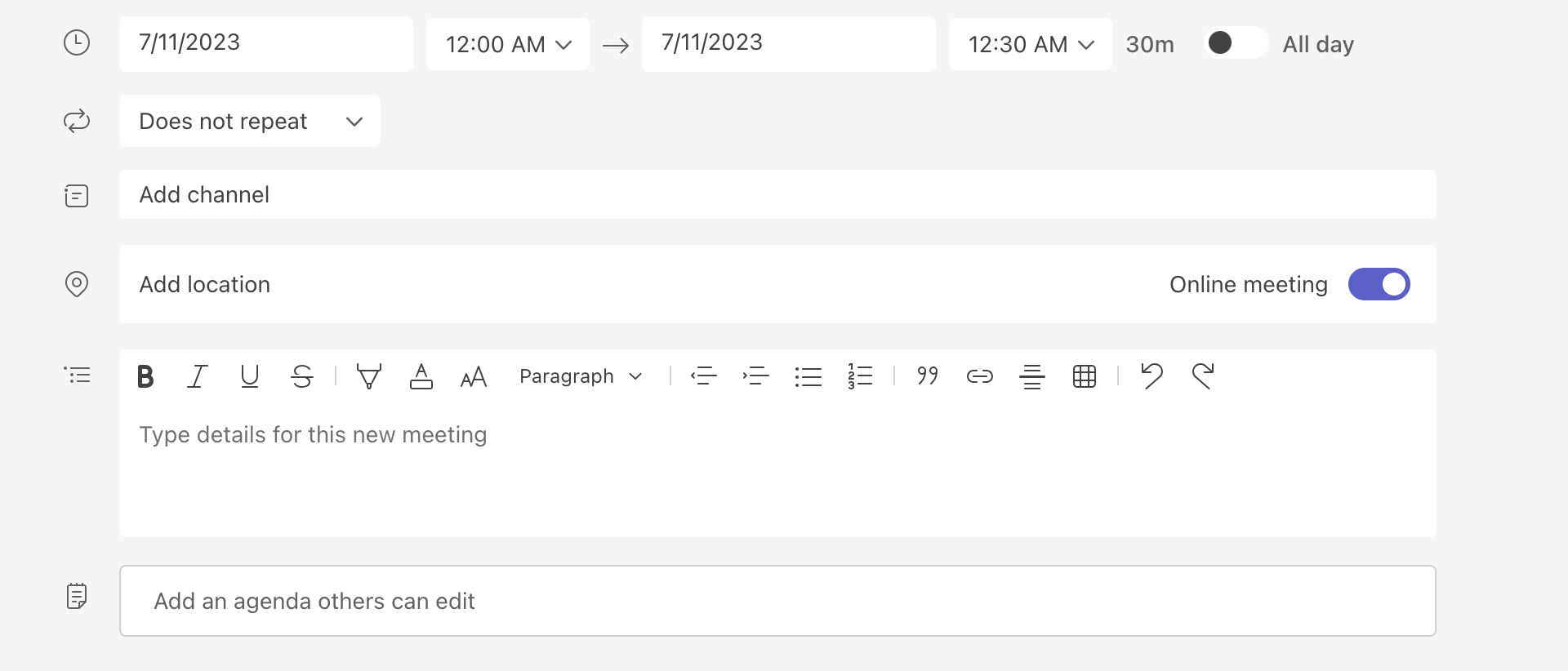
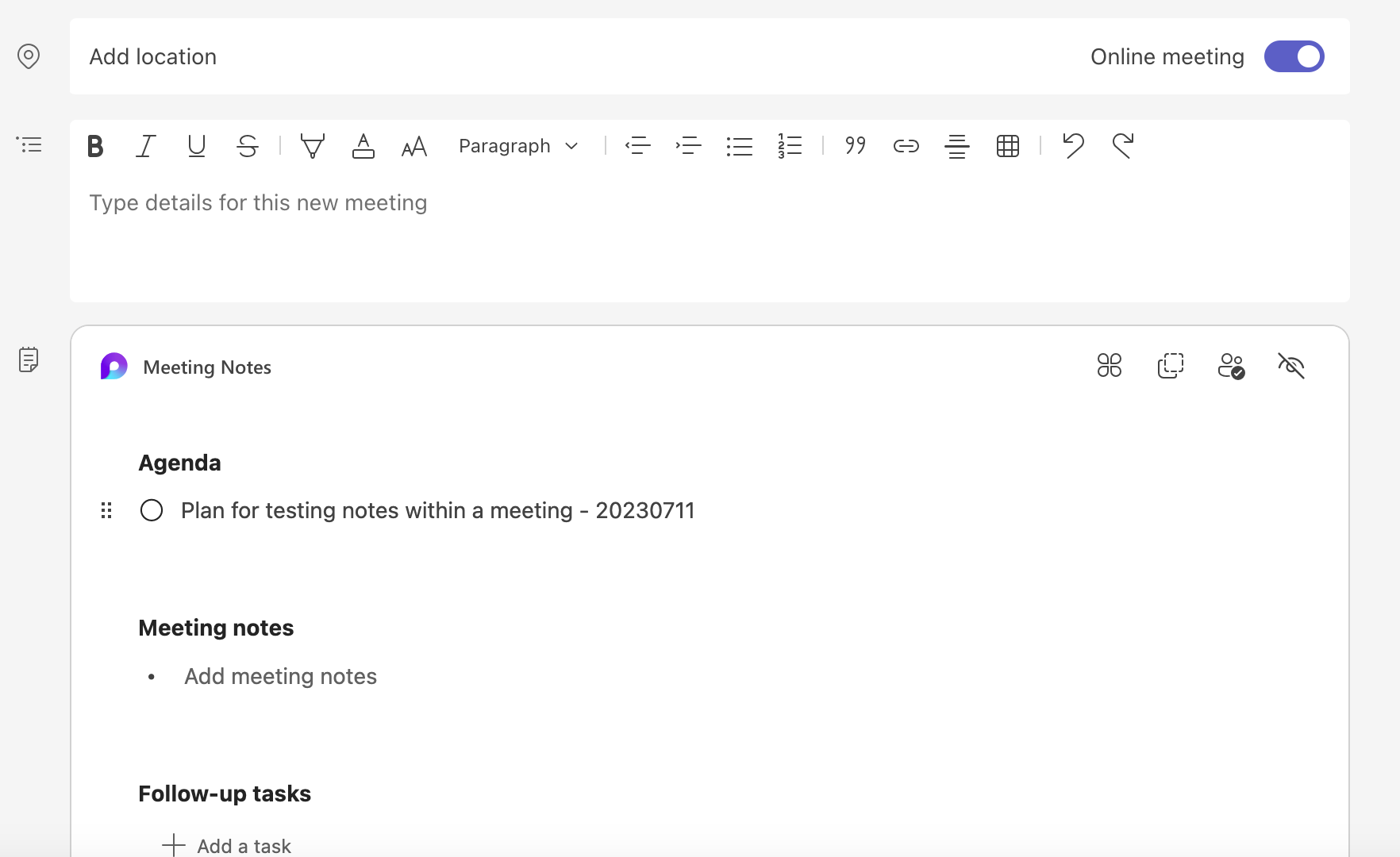
I have more to say about the functionality of these notes on my blog, but since this newsletter is focused on the eDiscovery world, let’s dig into that a bit. I started with an item on my agenda, along with a data code that I’d be using later for searching, as I usually do when testing.
The invite went out, the meeting started, and I logged in from two different browsers. One logged in as myself, the other as Adele Vance. I then started switching between the two browsers and typing in notes.
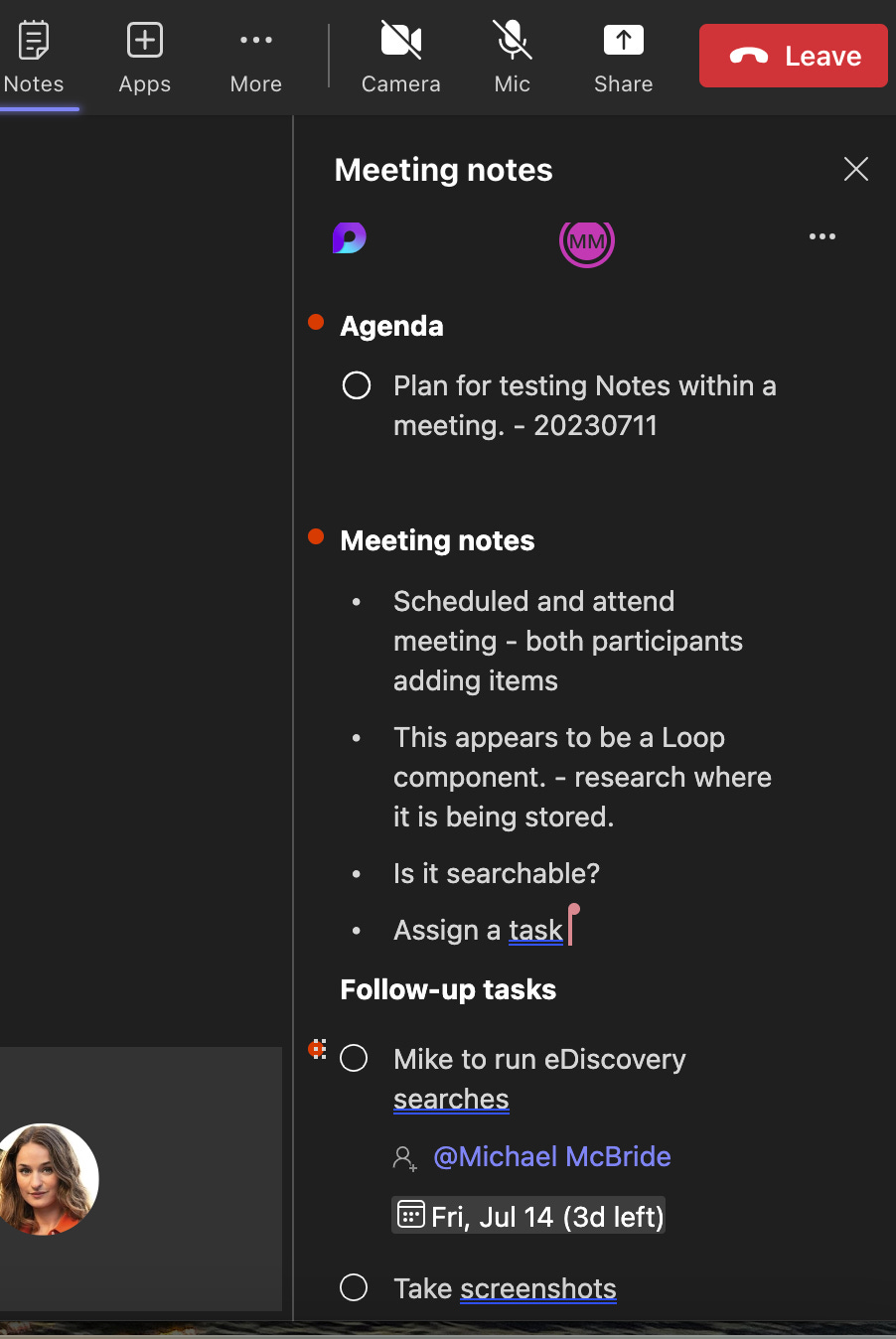
With my notes now created, I began my eDiscovery testing.
